Change the furniturekeep the roomone piece at a time
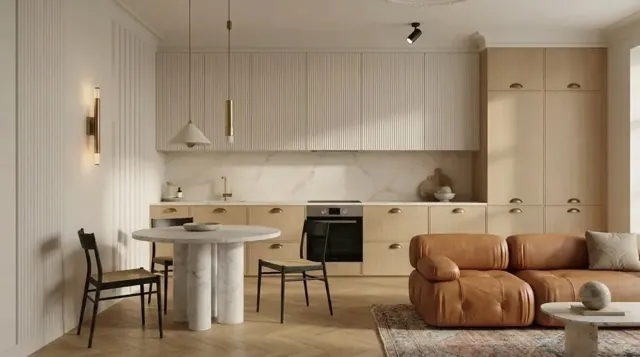
Brush over the sofa, chairs, table or rug and MeltFlex swaps just that piece, recolours it or removes it, leaving the rest of the photo untouched.
Start Now


One Room, One Piece at a Time
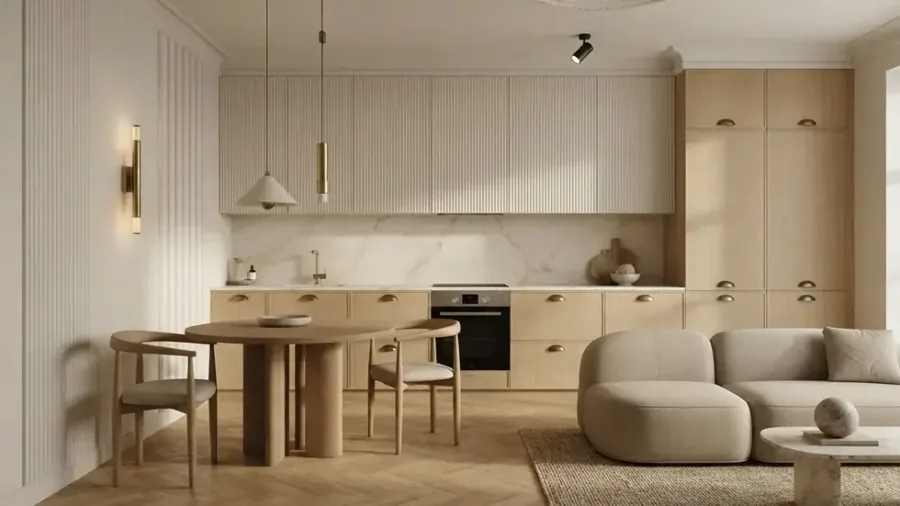
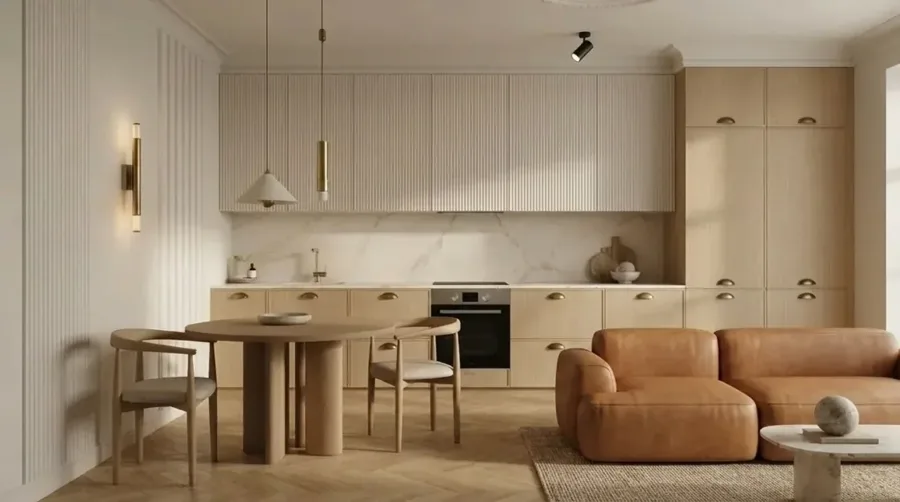
What this tool actually produces
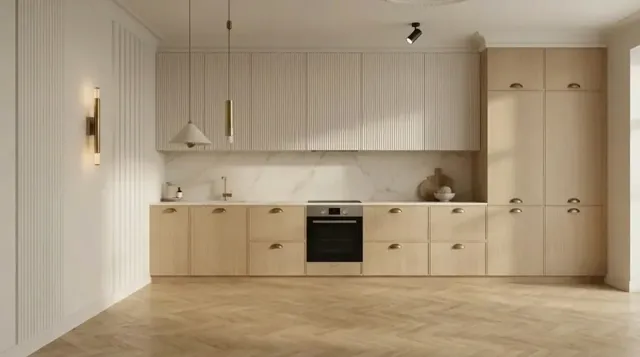
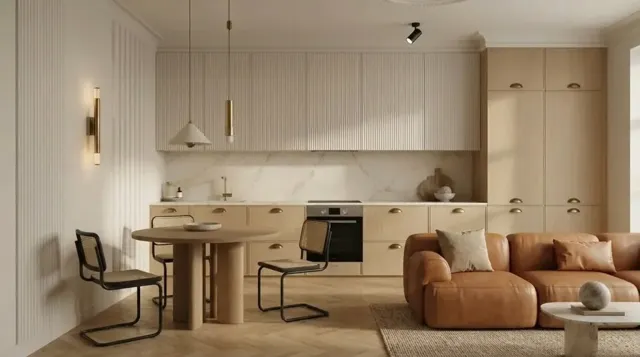
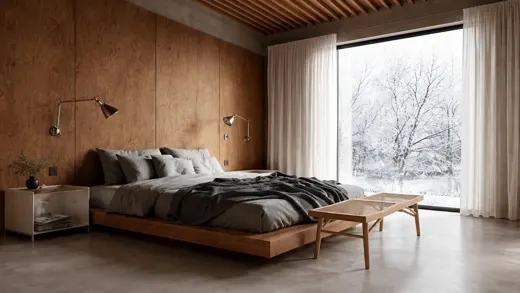
Every image below came out of MeltFlex Furniture Changer, from one photo and a short brief.
Frequently Asked Questions
How do I change the furniture in a photo?
Upload a photo of the room, then brush over the piece you want gone — the sofa, a chair, the table, the rug. That red mark tells the AI exactly where to work.
Can I change just one piece of furniture?
Yes, and that is the point of the tool. You brush the exact area you want changed, so the request is scoped to what you painted: swap the sofa while the dining set, rug and lighting stay pixel-for-pixel as they were.
Can I keep my furniture but change its colour?
Yes. Brush the piece, then add a note such as "same sofa but in deep green velvet" and pick or upload a reference showing the material you mean.
Can it remove furniture from a photo?
Yes. Brush the piece and ask for it to be removed, and it is taken out of the photo entirely, with the floor, skirting and wall behind it rebuilt in correct perspective with natural shadows.
More AI Tools
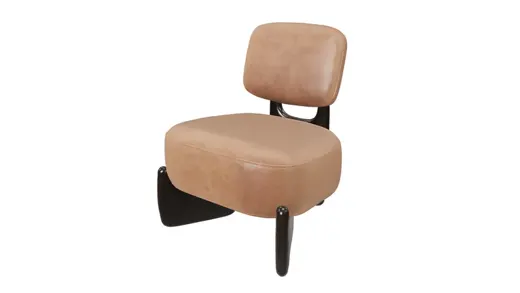
AI 3D Furniture Generator
Turn a furniture photo into a 3D model: GLB, USDZ, OBJ.
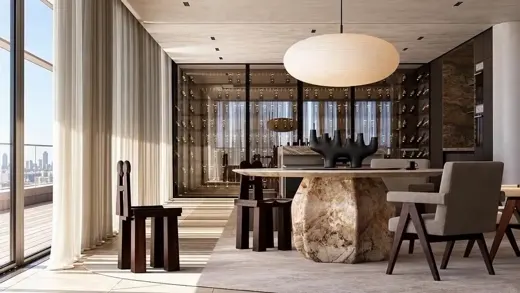
AI Interior Design
Redesign rooms from a photo, floor plans and furniture to 3D.
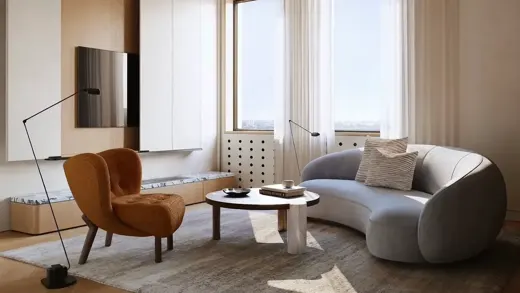
AI Layout Boost
Rearrange the furniture layout of any room from a photo.
Virtual Staging AI
Stage empty listing photos with furniture in seconds.
API & MCP
Use MeltFlex from your own app, or from Claude, ChatGPT and Cursor: https://www.meltflexai.com/api/mcp
Try AI Furniture Changer
Upload one photo on meltflexai.com and see the result in seconds. Your first design is free.
Start Now